
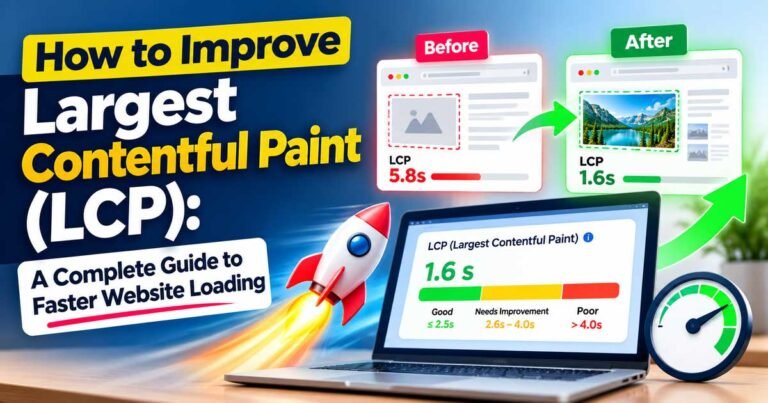
How to Improve Largest Contentful Paint (LCP): A Complete Guide to Faster Website Loading
Have you ever opened a website and waited for the main image or heading to appear? The page may start loading immediately,…
Write, edit, run, and preview HTML, CSS, and JavaScript code instantly with our free HTML Online Compiler—right in your browser. New to online coding? Learn how to use an online HTML compiler with our step-by-step guide.
Start typing to see live preview.
See your HTML, CSS, and JS rendered instantly as you type.
Syntax highlighting, autocomplete, search, replace and shortcuts.
Your snippets are saved locally — reload and keep going.
Bring your files in, export to standalone HTML in one click.
Focus with a distraction-free coding workspace. ESC to exit.
Preview your work on desktop, tablet, and mobile viewports.
An HTML Online Compiler is a simple tool that lets you write and test HTML code directly in your web browser. You do not need to install separate software just to create a webpage or test a small piece of code.
Write your code in the editor and see the result in the preview area. If you make a change, you can run the code again and quickly check the new result. This makes it easier to learn HTML and try different ideas.
HTML is used to create the structure of a webpage. You can use it to add headings, paragraphs, images, links, buttons, tables, forms, and other elements. CSS can be used to change the appearance of the page, while JavaScript can be used to add interactive features.
Using an HTML Online Compiler is simple. Write your HTML code in the editor, run it, and check the result in the preview. If something does not work as expected, you can change the code and try again.
For example, if you are learning HTML and want to see how a heading, button, image, or link works, you can write a small example and see the result right away. You can also use CSS and JavaScript to create and test a small webpage in the same place.
An online HTML compiler is useful when you want to practice, experiment, or quickly test web code. It can be helpful when you do not want to create separate files or install a complete development environment for a small project.
You do not need to be an experienced developer to use an HTML Online Compiler. Beginners can use it to learn the basics of web development, while experienced developers can use it to quickly test a small piece of code.
It can also be useful for students, teachers, bloggers, designers, and anyone who wants to experiment with a webpage without setting up a complete development environment.
If you are learning web development or simply want to test some HTML, start with a small example and build from there. Write your code, run it, and check the result in the preview.
Our HTML Online Compiler lets you work with HTML, CSS, and JavaScript in one place, making it easier to experiment with webpages directly from your browser.
Have you ever opened a website and waited for the main image or heading to appear? The page may start loading immediately,…
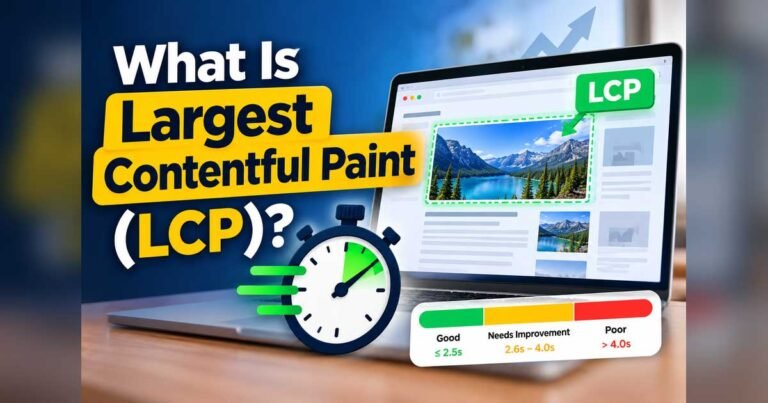
When you open a website, you expect its main content to appear within a few seconds. Maybe you are reading a blog…

If you’re planning to start a career in software development, one question probably comes to your mind first: Which programming language is…

One of the most common questions bloggers and content writers ask is, “What is the best article font size?” It may seem…
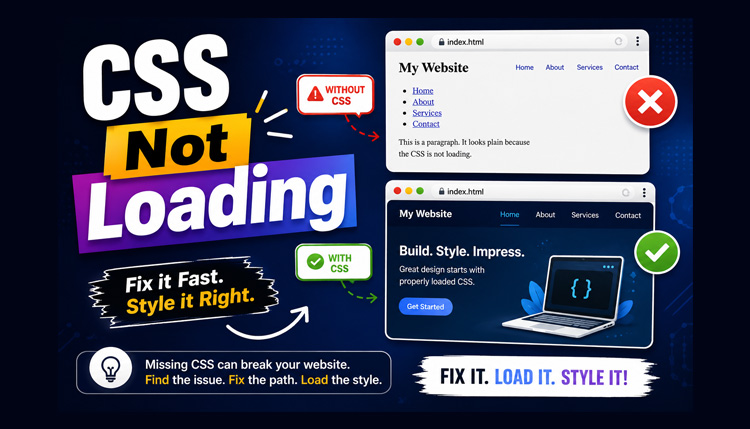
You finish writing your HTML page, create a CSS file, refresh the browser, and… nothing changes. The page still looks plain, with…
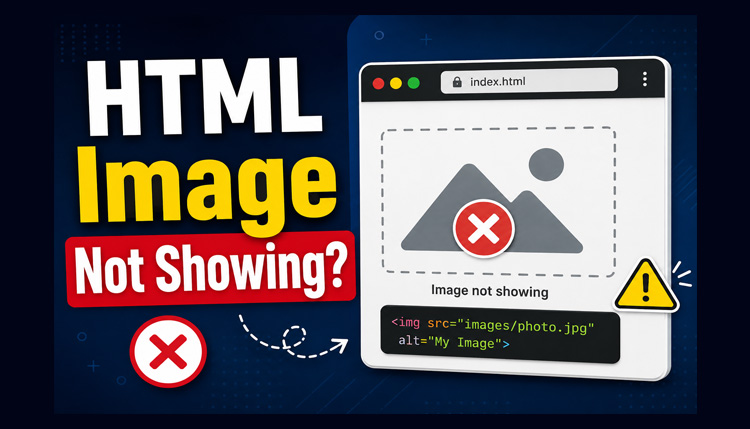
One of the most common problems beginners face while learning HTML is that an image simply doesn’t appear in the browser. Instead…